Showing posts with label Operating System. Show all posts

Thursday, June 21, 2012

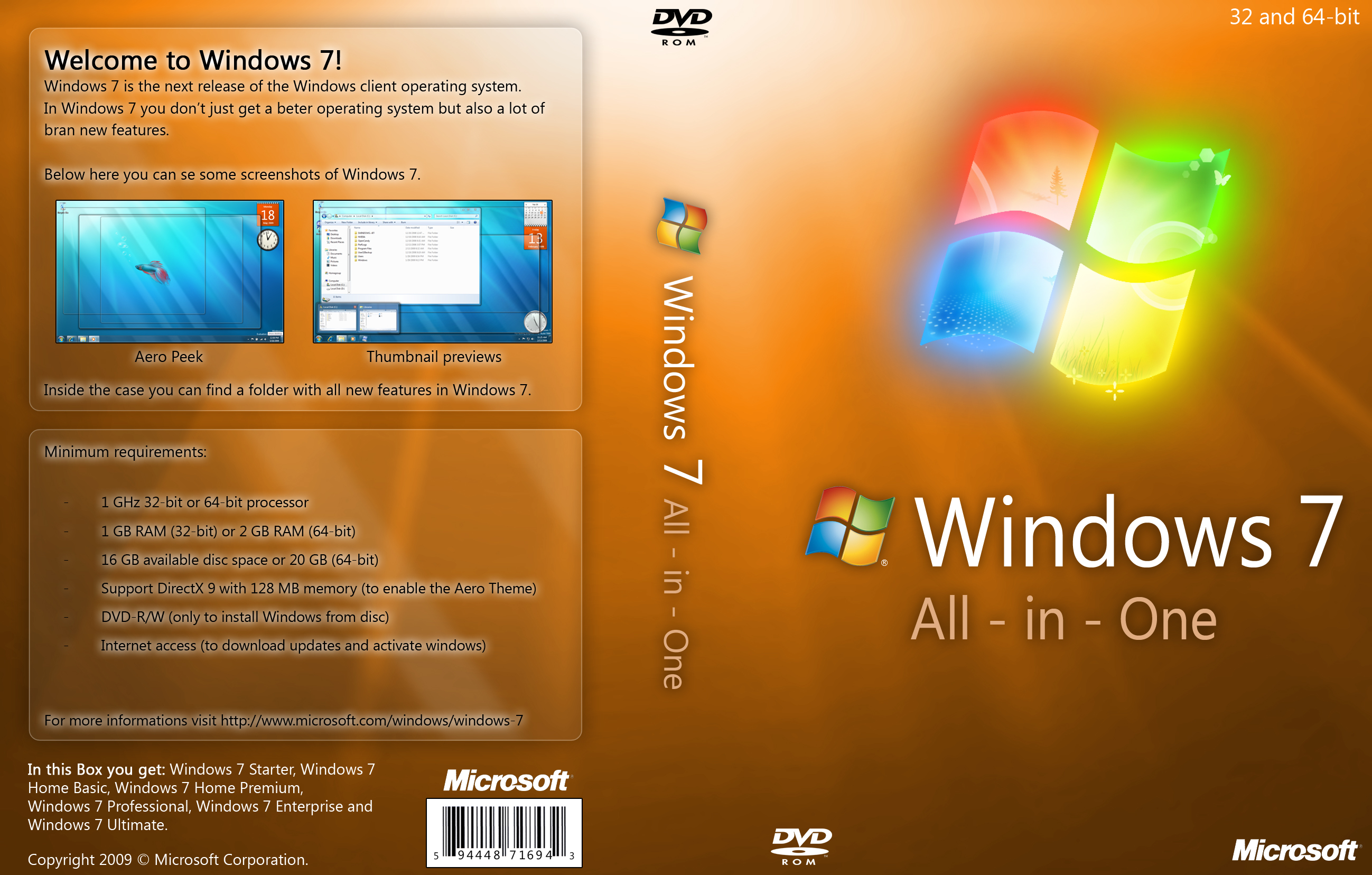
Windows 7 AIO SP1 x86 x64 Integrated March 2012

Windows 7 AIO SP1 x86 x64 Integrated March 2012
Genre: OS
Release: March 2012
English | W7 AIO SP1 x86/x64 | 3.3GB / 4.4GB 
Info:
Windows 7 is easy, productive and enjoyable. Better ways to search and manage files, such as Jump Lists and a more intuitive view on the taskbar, help to perform routine tasks easier and faster. Windows 7 delivers improved performance and reliability, so your computer will work as you want. With support for 64-bit versions can take full advantage of the latest models of powerful computers and efficient components, such as the home team, Windows Media Center and Windows Touch, will provide new opportunities for controlling the computer and files. Experience with Windows 7 and learn how to use it to simplify the work on the computer.

The distribution contains the following publications:
»Starter
»Starter N
»Windows 7 Home Basic
»Windows 7 Home Basic N
»Windows 7 Home Premium
»Windows 7 Home Premium N
»Windows 7 Professional
»Windows 7 Professional N
»Windows 7 Professional VL
»Windows 7 Professional N VL
»Windows 7 Ultimate
»Windows 7 Ultimate N
»Windows 7 Enterprise
»Windows 7 Enterprise N

SKU(Special Kit Unit) version of Windows 7
  • Windows 7 N: Windows 7 N is meant for European market, and includes the same functionality as Windows 7, except that it does not include Windows Media Player and related technologies such as Windows Movie Maker.
  • VL are volume license editions for business enterprise customers and uses MAK (Multiple Activation Keys) or KMS (Key Management Server) to activate.
System requirements:
Below are the necessary conditions for the launch of Windows 7 on your computer:
32-bit (x86) or 64-bit (x64) processor with a clock speed of 1 gigahertz (GHz) or higher;
1 gigabyte (GB) (32-bit) or 2 GB (64-bit system), memory (RAM);
16 gigabytes (GB) (32-bit) or 20 GB (64-bit system) hard-disk space;
DirectX 9 graphics device with WDDM driver version 1.0 or higher.

Install Notes:

  1. Extract or join the files using 7zip.
  2. Burn the ISO file on a DVD or create a bootable USB.
  3. Tool for creating bootable DVD or USB can be downloaded from HERE.
  4. Restart computer and set boot sequence by entering your computer BIOS.
  5. Insert Disc or USB and then restart again.
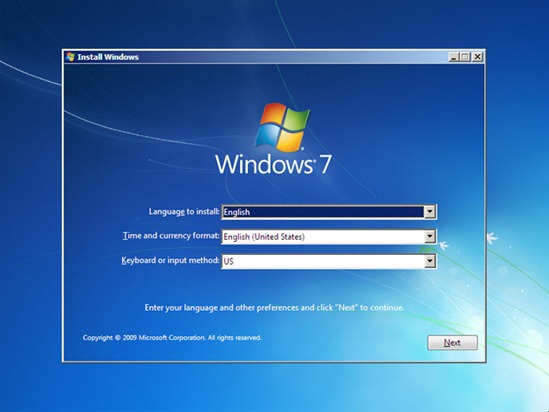
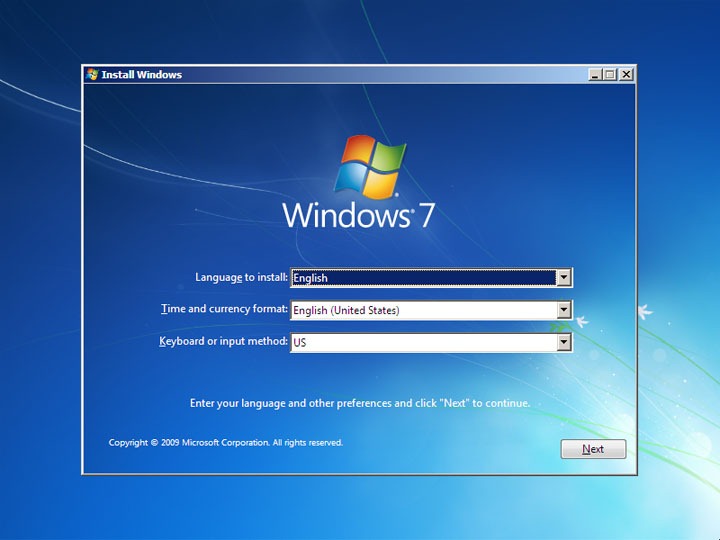
  6. Follow on screen instructions.
  7. Activate the OS using DAZ Loader. - DAZ Loader can be found HERE.
  8. Enjoy.
Screenshot
نقرتين لعرض الصورة في صفحة مستقلة

Download
Jumbofiles
jumbofiles.com 1GB Download Links:
Windows 7 AIO SP1 Integrated March 2012 (32bit / x86) 3.3GB

Windows 7 AIO SP1 Integrated March 2012 (64bit / x64) 4.4GB
Part 1 | Part 2 | Part 3 | Part 4 | Part 5

_________________________________________________________________________________

Jumbofiles
jumbofiles.com 200MB Download Links:
Windows 7 AIO SP1 Integrated March 2012 (32bit / x86) 3.3GB
Part 01 | Part 02 | Part 03 | Part 04 | Part 05 | Part 06 | Part 07 | Part 08 | Part 09 | Part 10
Part 11 | Part 12 | Part 13 | Part 14 | Part 15 | Part 16 | Part 17


Windows 7 AIO SP1 Integrated March 2012 (64bit / x64) 4.4GB
Part 01 | Part 02 | Part 03 | Part 04 | Part 05 | Part 06 | Part 07 | Part 08 | Part 09 | Part 10
Part 11 | Part 12 | Part 13 | Part 14 | Part 15 | Part 16 | Part 17 | Part 18 | Part 19 | Part 20
Part 21 | Part 22 | Part 23
(Only Part 03 Using Rapidshare Download Link)

Windows 7 Ultimate SP1 x64 Integrated June 2012

Windows 7 Ultimate SP1 x64 Integrated June 2012
Genre: OS
Release: June 2012
English | W7 Ultimate SP1 | 3.6GB
Info:
Windows 7 Ultimate contains the same features as Windows 7 Enterprise, but unlike the Enterprise edition, it is available to home users on an individual license basis. Windows 7 Home Premium and Windows 7 Professional users are able to upgrade to Windows 7 Ultimate for a fee using Windows Anytime Upgrade if they wish to do so. Unlike Windows Vista Ultimate, the Windows 7 Ultimate edition does not include the Windows Ultimate Extras feature or any exclusive features as Microsoft had stated.

This is the original Microsoft Windows 7 Ultimate SP1 (32/64 bit) ISO from  Microsoft. Including Microsoft updates till 15.06.2012.

System Requirements:
  • 1 gigahertz (GHz) or faster 64-bit (x64) processor.
  • 2 gigabyte (GB) RAM.
  • 20 GB available hard disk space.
  • DirectX 9 graphics device with WDDM 1.0 or higher driver.
Install Notes:
  1. Extract or join the files using 7zip.
  2. Burn the ISO file on a DVD or create a bootable USB.
  3. Tool for creating bootable DVD or USB can be downloaded from HERE.
  4. Restart computer and set boot sequence by entering your computer BIOS.
  5. Insert Disc or USB and then restart again.
  6. Follow on screen instructions.
  7. Activate the OS using DAZ Loader. - DAZ Loader can be found HERE.
  8. Enjoy.
Screenshot


Download
Jumbofiles
jumbofiles.com 1GB Download Links:
Part 1 | Part 2 | Part 3 | Part 4

Wednesday, June 20, 2012

Windows 7 All In One Edition SP1 x86 Integrated March 2012

Windows 7 All In One Edition SP1 x86 Integrated March 2012
Genre: OS
Release: March 2012
English | W7 AIO x86(32bit) | 2.92GB
Info:
This is an all in one Windows 7 32bit so in short, you can choose from a variety of Windows 7 version, like Ultimate ,Basic or etc.
Windows 7 is easy, productive and enjoyable. Better ways to search and manage files, such as Jump Lists and a more intuitive view on the taskbar, help to perform routine tasks easier and faster. Windows 7 delivers improved performance and reliability, so your computer will work as you want. With support for 64-bit versions can take full advantage of the latest models of powerful computers and efficient components, such as the home team, Windows Media Center and Windows Touch, will provide new opportunities for controlling the computer and files. Experience with Windows 7 and learn how to use it to simplify the work on the computer.

Screenshot
Windows 7 All In One Edition x86 Integrated March 2012

Install Notes:
  1. Unrar by clicking the exe file for this is a self extracting archive.
  2. Burn the ISO file on a DVD or create a bootable USB.
  3. Tool for creating bootable DVD or USB can be downloaded from HERE.
  4. Restart computer and set boot sequence by entering your computer BIOS.
  5. Insert Disc or USB and then restart again.
  6. Follow on screen instrctions.
  7. Activate the OS using DAZ Loader.
  8. Enjoy.
Download
Mediafire
mediafire.com 200MB Download Links:

Jumbofiles
jumbofiles.com 200MB Download Links:

    Windows 8 Release Preview x32 Bit and x64 Bit Full ISO

    Windows 8 Release Preview x32 Bit and x64 Bit Full ISO
    Genre: OS
    Release: 2012
    English | W8 Release Preview | 2.5GB / 3.3GB
    Info:
    Windows 8 Release Preview is a prerelease version of Windows 8 that focuses on people and apps and gives you powerful new ways to use social technologies to connect with the people who are important to you. It’s Windows reimagined. Windows 8 Release Preview is built on the rock-solid foundation of Windows 7 and has the security and reliability features you expect from Windows, but we’ve made it even better. It’s fast, and it’s made to work on a variety of form factors—especially the new generation of touch devices.
    The company also highlighted a variety of new features in Windows 8, including the following:

    Touch-First User Interface
    • Metro style. Windows 8 introduces a new Metro style interface built for touch, which shows information important to you, embodies simplicity and gives you control. The Metro style UI is equally at home with a mouse and keyboard as well.
    • Touch-first browsing, not just browsing on a touch device. Providing a fast and fluid touch-browsing experience, Internet Explorer 10 puts sites at the center on new Windows 8 devices

    More Ways to Engage With Powerful, Connected Apps
    • Powered by apps. Metro style apps built for Windows 8 are the focal point of your experience, filling your entire screen so there are no distractions.
    • Apps can work together. Apps communicate with each other in Windows 8. For example, you can easily select and email photos from different places, such as Facebook, Flickr or on your hard drive.
    • Your experience syncs across your devices. Live roams all the content from the cloud services you use most – photos, email, calendar and contacts – keeping them up-to-date on your devices. With SkyDrive, you can access your files, photos and documents from virtually anywhere with any browser or with Metro style apps in Windows 8

    Enhanced Fundamentals
    • The best of Windows 7, only better. Windows 8 is built on the rock-solid foundation of Windows 7, delivering improvements in performance, security, privacy and system reliability. Windows 8 reduces the memory footprint needed – even on the lowest-end hardware – leaving more room for your apps.
    • Preserving power-user favorites and making them better. For those who push the limits of their PC, Windows 8 features an enhanced Task Manager and Windows Explorer and new, flexible options for multimonitor setups

    New Generation of Hardware
    • One Windows – many shapes and sizes. Support for ARM-based chipsets, x86 (as well as x32 and x64) devices, touch and sensors means Windows 8 works beautifully across a spectrum of devices, from 10-inch tablets and laptops to all-in-ones with 27-inch high-definition screens.
    • Always connected. With Windows 8, new ultrathin PCs and tablets turn on instantly, run all day on a single charge and stay connected to the Internet so your PC is ready when you are. Next-generation system on a chip (SoC) support will also enable greatly extended standby and low-power states.
    • Tap the full power of your PC. Windows 8 runs on PCs and is compatible with the devices and programs you use today on Windows 7, without compromise, to deliver the performance you expect of a PC.
    Windows 8 Release Preview Setup will check to see if your PC can run Windows 8 Release Preview and select the right download. Setup also features a compatibility report and upgrade assistance. Make sure your devices are connected to your PC and turned on before you run Setup. Built-in tools for creating an ISO or bootable flash drive are available for some previous versions of Windows (excluding Windows XP and earlier). You can find system requirements and additional information in the FAQ.

    Note before you download: Windows 8 Release Preview is per-release software that may be substantially modified before it’s commercially released. Microsoft makes no warranties, express or implied, with respect to the information provided here. Some product features and functionality may require additional hardware or software.

    System Requirements:
    • 1 GHz or faster processor
    • 1 GB RAM (32-bit) or 2 GB RAM (64-bit)
    • 16 GB available hard disk space (32-bit) or 20 GB (64-bit)
    • DirectX 9 graphics device with WDDM 1.0 or higher driver
    For Installation Use This Key:
    Product Key

    Friday, June 15, 2012

    Microsoft Windows 7 Enterprise x86 SP1 Integrated June 2012 Incl Activator

    Microsoft Windows 7 Enterprise x86 SP1 Integrated June 2012 Incl Activator
    Genre: Operating System
    Release: 2012
    English | Microsoft Windows 7 Enterprise | 2.54GB
    Info:
    Windows 7 Enterprise is the most advanced Windows operating system for business PCs, designed to meet the evolving needs of the users and IT professionals in your organization—both in and out of the office. With exclusive features and benefits, Windows 7 Enterprise drives lower total cost of ownership by helping your users stay productive anywhere, enhancing security and control, and simplifying PC management across your organization.
    Install Notes:
    1. Unrar by clicking the exe file for this is a self extracting archive.
    2. Read nfo file using notepad for further instruction.
    3. If your lazy reading it then just burn the ISO file on a DVD or create a bootable USB.
    4. Tool for creating bootable DVD or USB can be found here.
    5. Disconnect internet connection and install without providing any serial.
    6. Use the activator to activate, if fail, run the workaround.bat as admin and then use the activator again.
    7. Now you have an updateable Windows 7 Enterprise Service Pack 1.
    Download
    Jumbofiles

    Loading

    Subscribe Now!

    Get Free Daily Good Stuff

    Share This On

    Facebook Twitter Google+ Delicious Digg Stumbleupon Favorites More